
- Free UK Delivery
- Two Working Days UK Delivery
- 30 Day Money Back Guaranteed
- 24/7 Help & Support
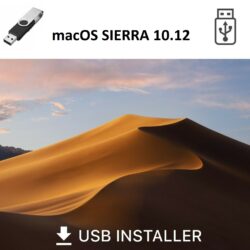
This USB can be used to install a clean copy of Apple Mac OS X 10.12 Sierra or to update your existing system to OS X Sierra
Installing, Recovering or upgrading your software from a USB is NOT a quick process and can take 30-45 minutes to complete. Please be patient and allow the process plenty of time to finish.

System Requirements
- Mac with an Intel Processor
- Minimum 2GB of RAM
- Minimum 9GB of disk space available
Supported Models
- iMac :Mid-2007 to Mid-2015
- MacBook Air :Late 2008 onwards
- MacBook :Late 2008 Aluminum, or Early 2009 onwards
- Mac Mini :Early 2009 onwards
- MacBook Pro :Mid/Late 2007 onwards
- Mac Pro :Early 2008 onwards
- Xserve :Early 2009
Installation Instructions
- Insert the USB in your USB Slot. It should appear on your desktop. Do NOT click on it.
- Restart your mac.
- As soon as you hear the startup chime press and hold the option [ALT] key on your keyboard.
- Choose start from USB symbol.

Reviews
There are no reviews yet.